
Web development
What Is a CMS? The Best Options Compared
Let your team add and update content without being web developers. Learn what a CMS is, compare the best options and choose the right one for your project.
What is a CMS?
A CMS (content management system) is software that lets you create, build, edit and maintain the dynamic content of a website quickly and easily.
It allows both people with web development skills and people without them to keep updating and adding content to their website in just a few steps. All you need to know is how to use a text editor like Word or Google Docs.
Content created in a CMS follows the same structure and format for every new entry or item. If that structure changes, the change applies to every entry once the site is published.
In other words, design and content are managed separately, which helps prevent mistakes when publishing and keeps everything consistent.
Benefits of a CMS
Ease of use
Using a CMS for your website opens the door to people without technical knowledge of programming or web development. Anyone can quickly learn to update content on the site, so you don’t have to depend on an expert every time you want to change something.
Efficient content creation
Because you define the structure of your content up front, new content can be added in a few clicks. If needed, you can even upload large amounts of information at once with a file that follows the structure you set up.
SEO optimization
A CMS that makes it easy to publish consistently also helps with your SEO strategy. Techniques like internal linking, keyword-rich titles and image alt text become much easier to apply across all your content, helping you rank higher in search results.
Lower maintenance costs
Maintaining a website used to be expensive: you had to rely on an expert for any change. On top of the cost, updates took a long time, so you had to plan seasonal changes well in advance.
With a CMS, keeping your website in top shape costs far less, and you can see your changes live with a single click.
The best CMS options for your website
Webflow CMS
Webflow describes its CMS as giving you full control over how your content is structured and designed across your project, without touching a line of code (Webflow University).
Webflow’s CMS lets you make changes in a very visual way. You start by creating a Collection and deciding which fields each item will have. For a blog, for example, the fields might be the title, body text, description and cover image.
Once the Collection exists, every new item shows the fields to fill in, so all items share the same structure and format. You can add items one at a time as you need them, or import a CSV file to upload them all at once.
Your team can edit or add items with the Editor by opening the Collection they want and filling in the fields. Changes appear on the website once they click publish.
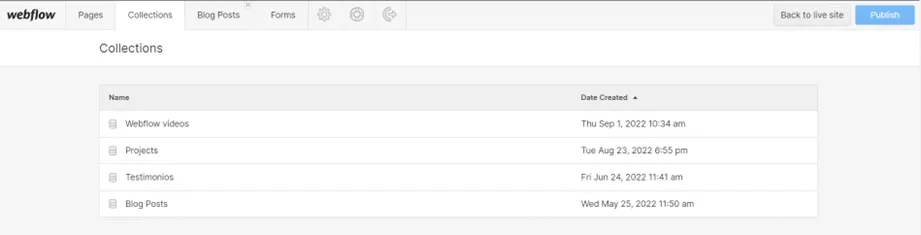
As you can see, Webflow’s CMS makes it simple to create new Collections and new entries, whether for your blog, portfolio, catalog, reviews and more.
WordPress
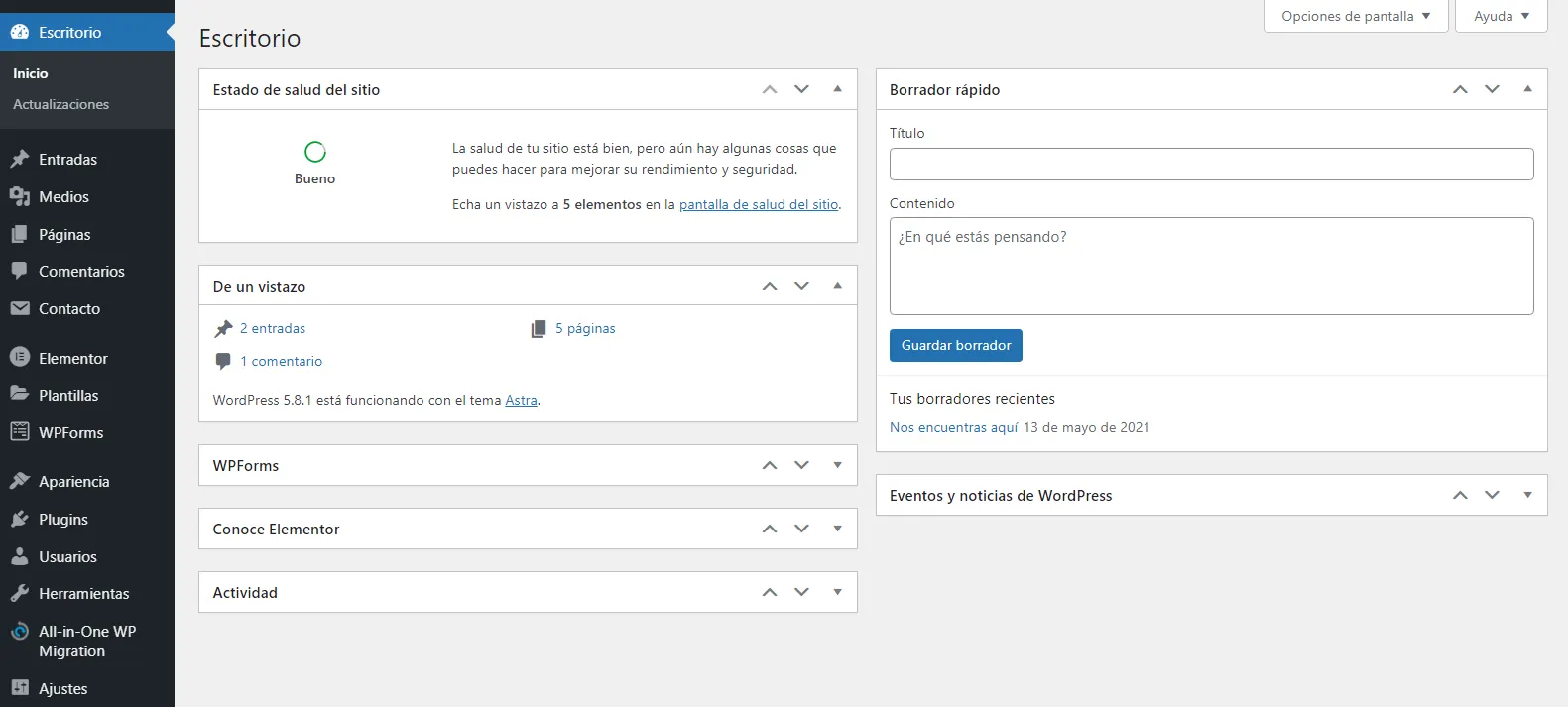
WordPress started out as the go-to CMS for blogging. As it grew, it was adapted for e-commerce and many other kinds of websites.
Plugins let you add new features to a WordPress site as your business grows, and you can lean on its large community for support.
Although it is still one of the leading platforms for building websites, pay close attention to security: the more third-party code you add, the higher the risk to your data and your users’ data.
Shopify
Shopify is one of the most widely used e-commerce platforms. It is a good option for launching an online store: you can design your store visually and integrate it with other apps for sales tracking, shipping and payments.
Unlike some other CMS options, Shopify is hosted, which is worth considering because it can become limiting as your business grows. Even so, it is an accessible option we recommend when you are getting started.

Choosing the right CMS for your website’s goals is important. Take the time to analyze which features your project or business really needs.
Keep reading
- Web developmentWhy You Should Consider Migrating Your Website to WebflowWordPress still powers a large share of business websites, but newer tools like Webflow let you build a more powerful site in less time. Here's why.
- Web designBusiness Website Design: The Elements You Can't SkipThe essential elements of business website design. Get them right and your company website will turn far more visitors into customers.
- Web designWhy Does My Business Need a Website?A website can be the foundation of every marketing strategy you run. Here are 6 reasons your business should have one, and keep it optimized.